
Who this is for: surgeons and practice managers
Step one: open your profile
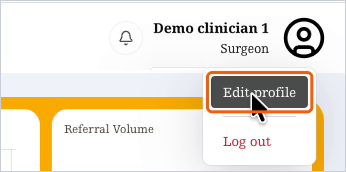
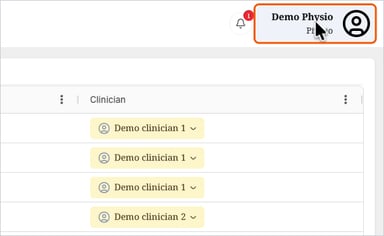
- Select your name in the top-right corner of the screen.
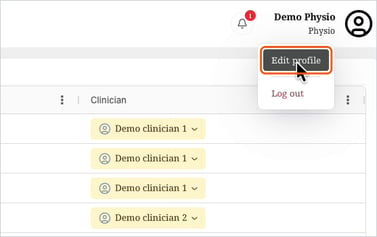
- From the menu, select Your profile.

Step two: add a photo
- Select Upload avatar at the top of the page.
- Choose a photo from your computer. A clear head-and-shoulders photo works best.
Your photo saves straight away. To change it, select Replace avatar. To take it off, select Remove.

Step three: check your details
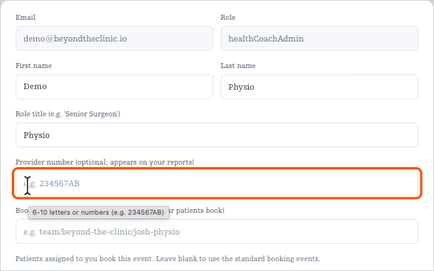
- Check your First name and Last name.
- Surgeons can add a Role title, for example "Senior surgeon".
- Your Email and Role can't be changed here. Contact the Alivra team if either is wrong.

Step four: choose a preferred physio (optional)
In Preferred physio, pick the Alivra physio you'd like your patients to have. They'll be selected for you on every new referral, and you can still change it on each referral. Choose No preference to pick each time.

Step five: save
Select Save changes. Profile saved. confirms your changes.
Notifications: in-app notifications are always on. Email and SMS are coming soon. See your notifications.
You're ready. Surgeons, see how to find a patient. Practice managers, see how to refer a new patient.